![Squared - Mark-2000-1.png]](https://help.squared.io/hs-fs/hubfs/Squared%20-%20Mark-2000-1.png?height=40&name=Squared%20-%20Mark-2000-1.png)
The integration with Slack allows you to receive penalty alerts and URL scanner alerts (click links for knowledge base articles on these) in this platform rather than by email.
To set up this integration
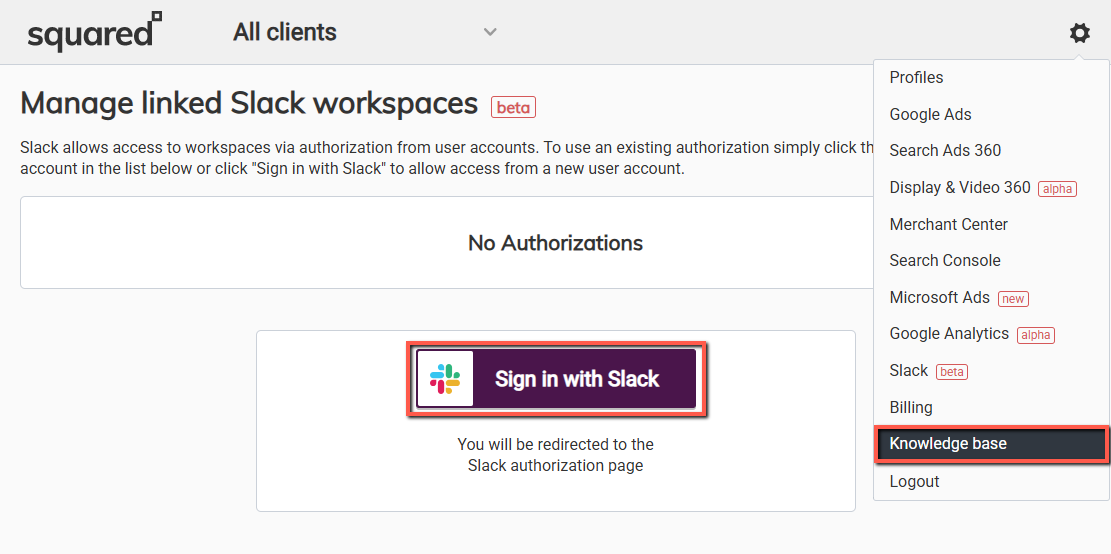
- In Squared.io, under the settings (cog) menu you can find Slack as an option. Select "Sign in with Slack" and "Allow" the app permissions, much like when authorizing Google Ads.
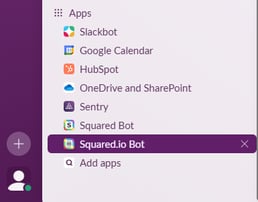
- Next, open the Squared.io Bot app in Slack - this will complete the mapping and allow penalty alerts to be delivered.
You may want to have these alerts delivered to a specific channel rather than just to individuals, and so to set this up:
- In Slack, on any channels you want Squared.io to post alerts to, type "/invite @Squared.io" as a message in the channel.

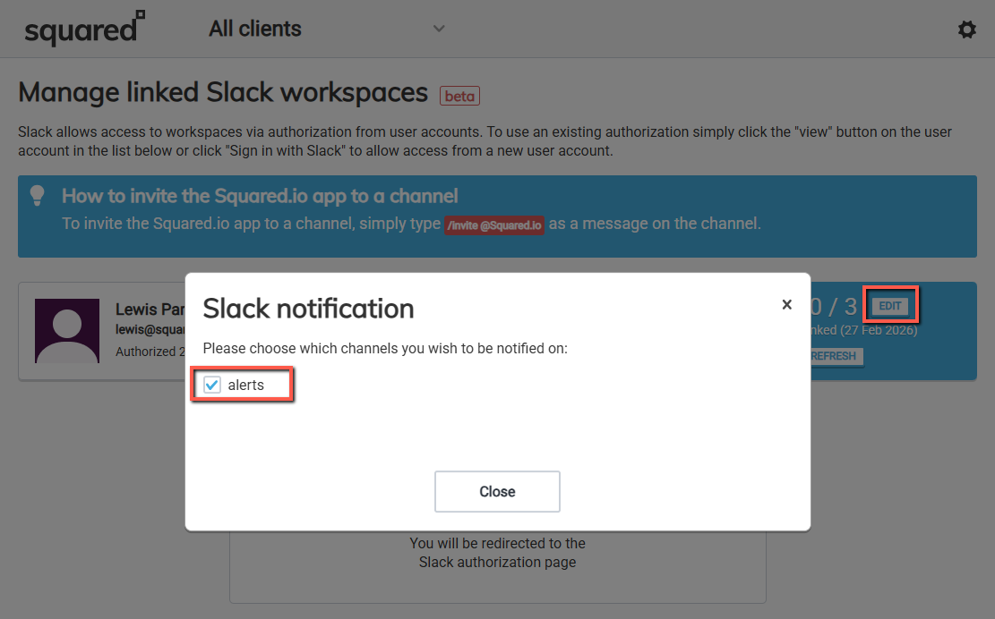
- These then become available as selections in Squared.io if you want your notifications posted there. If you don't set up channels this way, alerts you sign up for will post to your personal Squared.io Bot app channel.